Prepare a video interview by testing the actual platform, audio and camera, confirming the time zone and agreeing a backup contact route. Your aim is a usable conversation, not a studio production or perfect eye contact throughout.
This guide focuses on the technical and practical setup. Use our general interview guide to prepare examples and research the role rather than trying to solve both tasks just before the call.
Confirm what kind of interview is planned
Check whether the interview is live or recorded, how you access it and whether an account or installation is required. Read the employer’s instructions about permitted notes, recording and assistance. Do not assume an AI answer tool or another person may help during an assessment.
Confirm the date, time zone, expected duration and recruitment contact. An invitation sent from another state or country may display in your device’s local time. Compare the stated time with the calendar entry instead of relying on one display alone.
If you need communication support or another adjustment, discuss it early. JobAccess outlines candidate support options; check what the specific platform and assessment will involve.
Run a complete technical rehearsal
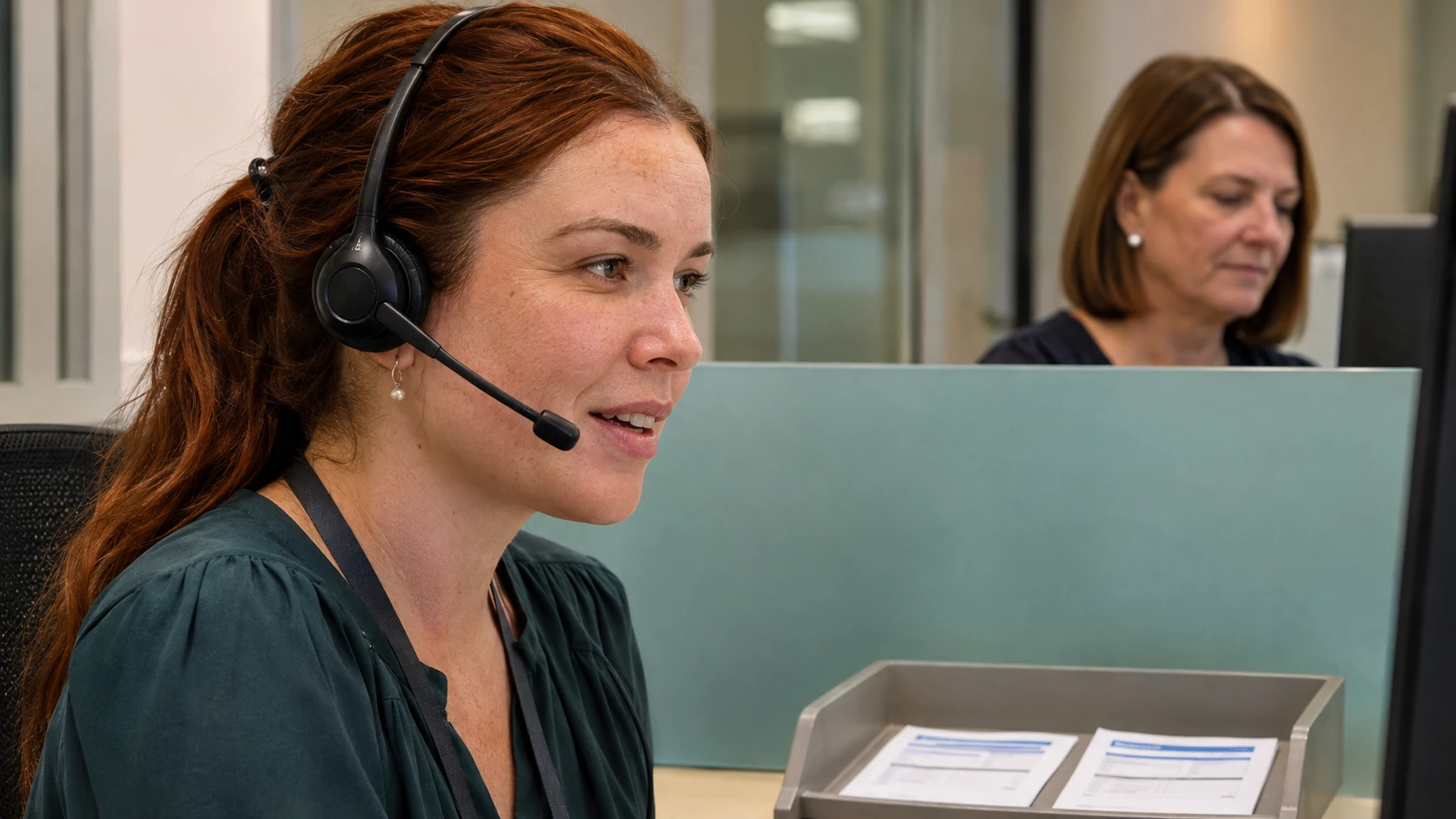
Use the device, connection and room you expect to use. Test your microphone and speaker together, not only the camera preview. Check that the platform has permission to access the correct microphone and that headphones do not introduce an echo or connection problem.
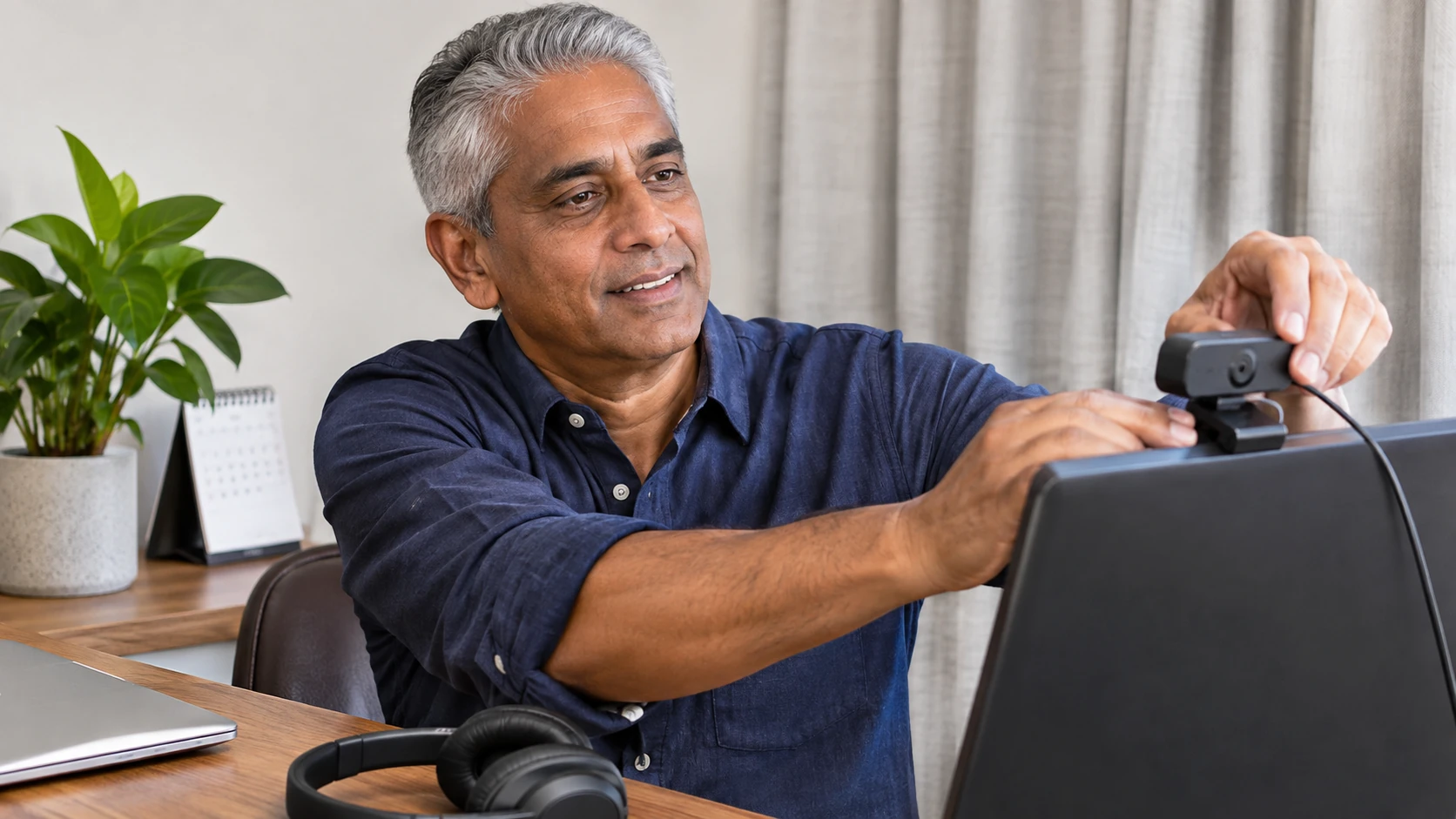
Place the camera where you can sit comfortably. Use enough light for a clear picture and check the background for private documents or distracting movement. A plain wall is adequate; you do not need to buy equipment for a decorative backdrop.
If screen sharing might be required, practise choosing one window. Close unrelated tabs and notifications. Do not expose another employer’s records, candidate details or personal messages while demonstrating your work.
Copy this pre-call checklist
- Invitation, time zone, meeting link and contact checked.
- Device charged or connected to power.
- Microphone, speakers, camera and permissions tested.
- Platform account or browser access ready if required.
- Quiet location, comfortable position and privacy checked.
- Requested documents and permitted notes available.
- Notifications and unnecessary applications closed.
- Backup contact route agreed or identified.
Keep the checklist short enough to use. Repeating a camera test does not help if the real problem is an unconfirmed invitation time or a missing access arrangement.
Prepare a practical backup plan
For example, if the call drops, first try the employer’s stated reconnection process. If that fails, contact the recruitment team through the verified channel and explain briefly what happened. Ask whether to reconnect, continue by phone or reschedule; do not assume a different format is automatically approved.
An original practice message is: “My connection dropped during the interview and I have not been able to rejoin. I am available on the number in my application. Please let me know your preferred next step.” This is illustrative wording, not a promise of how the employer will respond.
If the assessment is recorded and timed, follow the provider’s support instructions. Avoid repeatedly restarting or creating another account unless authorised.
Keep the conversation natural
Listen to the question, pause if the audio is unclear and ask for repetition when needed. Looking between the screen, camera and permitted notes is normal. Do not sacrifice comprehension or accessibility to an artificial rule about where your eyes must stay.
After the call, record any agreed next step and note technical improvements for another interview. A successful connection is only one part of recruitment; it does not establish that you have passed the assessment or received an offer. Continue to use the verified instructions for each current vacancy.