

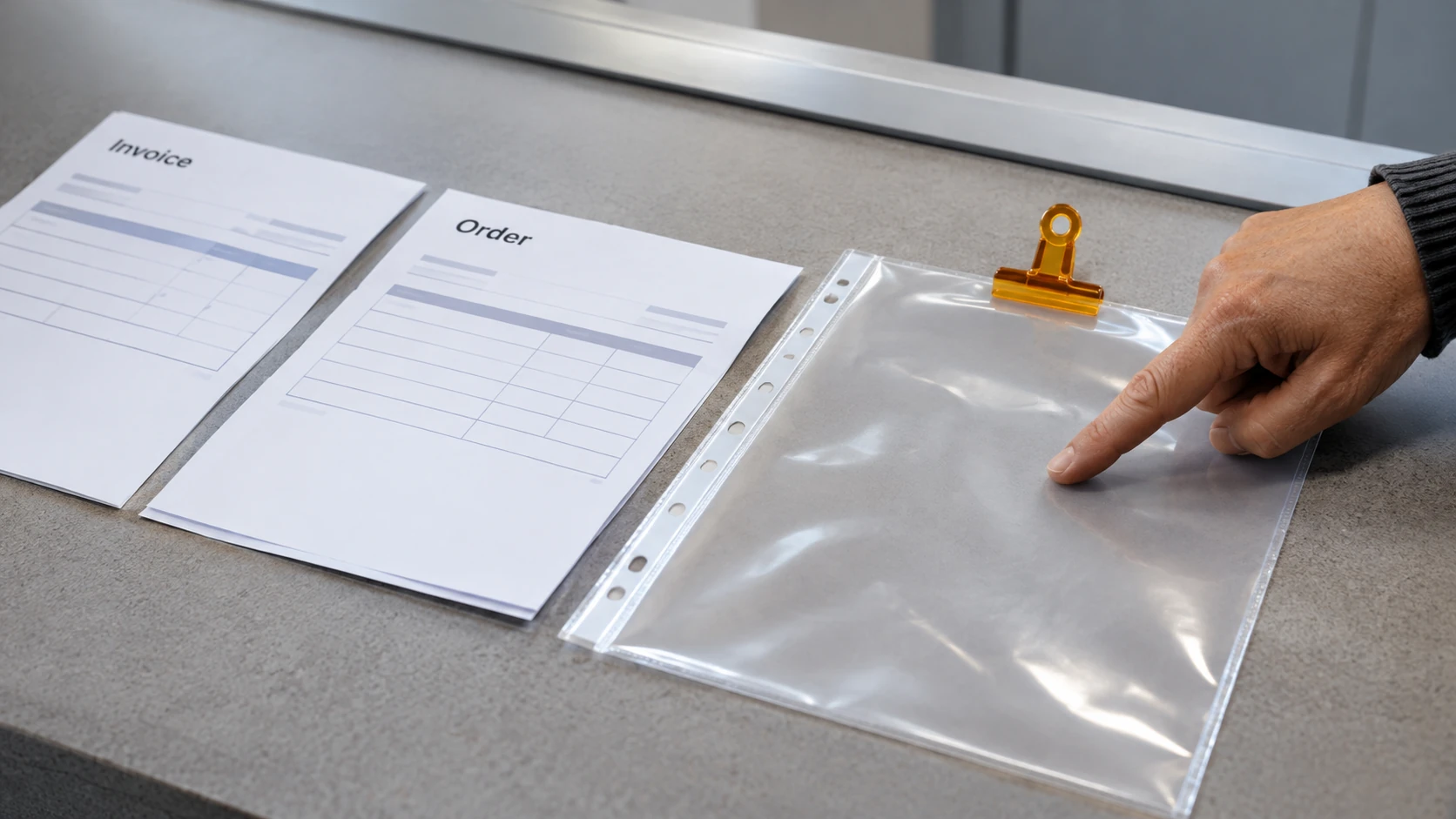


Share job-application documents through the verified channel requested by the employer, send only what the stage requires and check who can access the file. A legitimate recruitment process still needs careful document handling: the correct recipient can receive the wrong attachment or a link with unnecessarily broad access.
This guide concerns managing documents after you have established who is requesting them. If you are unsure whether the employer or offer is real, resolve that concern before sending identity, banking or other sensitive information.

Match the document to the recruitment stage
A résumé, a work sample and an identity-verification document have different purposes. Ask why a document is needed and whether the organisation has a nominated portal or verification service. Do not attach extra records simply because they are stored in the same folder.
Keep a clean application copy separate from working notes. Remove comments, tracked changes and material that belongs to someone else. In a work sample, check hidden worksheets, speaker notes and document properties as well as the visible page. Use fictional data where permission to share real material is absent.
The OAIC’s privacy guidance on job applications is a starting point for understanding information held about you. Privacy rules vary with the organisation and circumstances; a privacy notice is worth reading before uploading sensitive records.
Choose controlled access deliberately
If the employer accepts a shared link, inspect its access setting. A link available to anyone who obtains it is different from access restricted to named recipients. Check whether the panel can open the file without giving edit rights or exposing other folders.
Do not assume that a password, a PDF export or a restricted link prevents every form of copying or forwarding. Use the employer’s approved channel for sensitive checks, and ask for an alternative if you cannot use it.
Protect the account holding the files. The Australian Cyber Security Centre’s personal handbook explains account protections including multi-factor authentication. Keep recovery details current so a lost device does not leave your recruitment records exposed or inaccessible.
A fictional sharing register
The following original example uses invented documents and recipients. It illustrates what to record rather than prescribing a retention period.
- Document: résumé, application version dated 4 November.
- Recipient: the verified recruitment contact for ADMIN-EXAMPLE.
- Purpose: consideration for that vacancy.
- Channel: the employer’s nominated application portal.
- Permission: access through the portal; no public portfolio link.
- Confirmation: submission receipt saved with the vacancy reference.
- Review point: check the employer’s notice and your own storage needs when the process ends.
For a separate work sample, create a separate entry naming the sample and its access setting. Do not record passwords or copies of identity numbers in this register.
Run a final send check
Read the recipient address carefully, open the actual attachment and check the reference number. If using a link, test the intended access without changing it to public just for convenience. Confirm that the document is the final version and that no unrelated personal record is included.
Keep a record of what you sent. If you discover a mistaken recipient or exposed link, restrict access where possible and contact the appropriate organisation promptly. Follow current official guidance if an account or identity document may have been compromised.
Our application guide explains the broader submission process. For BOJ listings, the particular vacancy’s instructions determine the application route; a candidate account or Talent Pool profile is separate from a vacancy application.