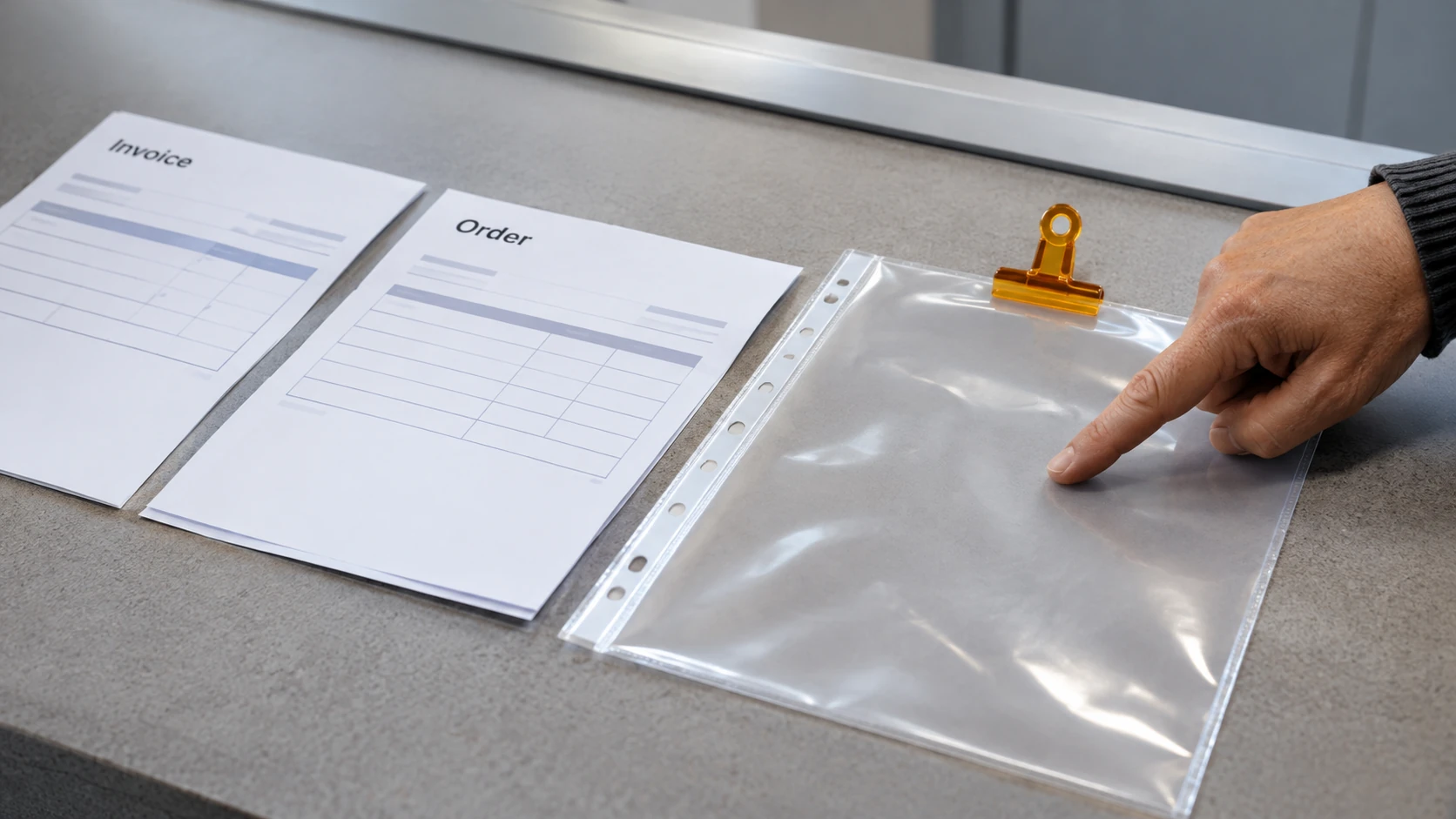



Cabinetmaking combines the interpretation of drawings and specifications with production, assembly or installation responsibilities assigned by the employer. Assess the vacancy by its actual shop, site and design-support scope.
Do not assume every cabinetmaker role involves the same software, machinery or installation authority. A qualification or past title needs to be connected to the work and evidence requested.
Understand the production and fitting scope
The ABS cabinet-maker description covers cabinetry and fittings, including drawing interpretation, fabrication, assembly and installation. Actual jobs divide those activities differently.
Check qualifications, material experience, drawing skills, systems and the relevant workshop or site responsibilities. Verify applicable licence, supervision or other requirements for the actual work through the appropriate source.
The existing trades roles guide provides broader preparation context.
Keep the approved specification connected to production
Identify the current shop drawing, dimensions, finish, hardware and other relevant information. Check the actual process for verifying inputs and issuing a change.
A customer comment, draft revision and approved production instruction can have different statuses. Do not assume an informal request authorises an alteration to a component already in production.
This guide does not provide machinery, cutting, fixing or installation instructions. Those tasks need the employer’s approved method, competence and safety arrangements.
A fictional drawing-change exercise
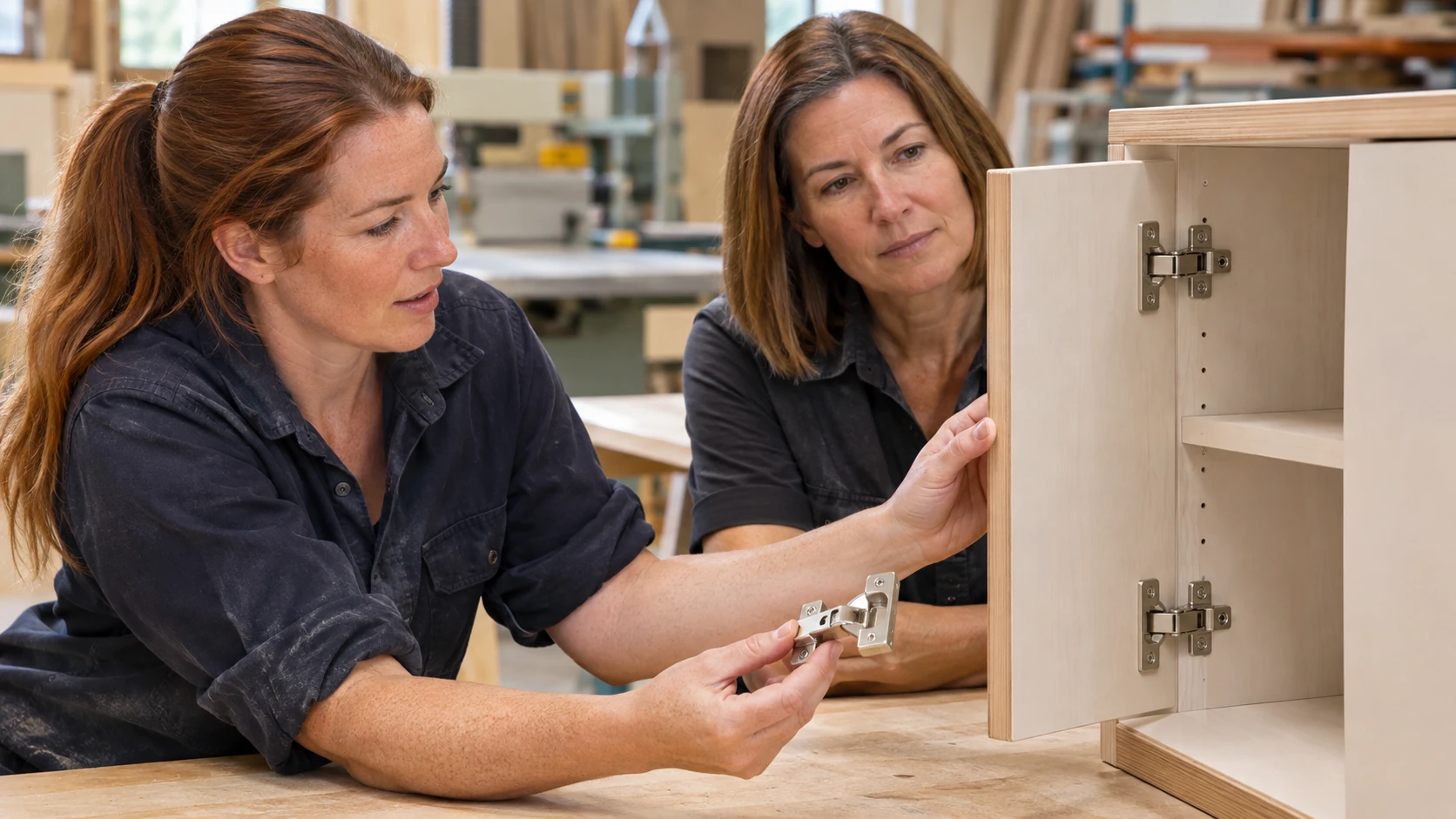
In this invented example, a cabinet door’s hardware arrangement changes in a proposed drawing revision after a production pack has been prepared. The candidate identifies the current approved version, affected component and decision required before the change is treated as authorised.
The practice note records the relevant references and people to consult. It does not modify a component from memory or promise that the change has no effect on materials, time or other work.
No real cabinetry, customer instruction or technical approval is claimed by the exercise.
Prepare a cabinetmaking evidence brief
For an authorised or fictional example, describe:
- Scope: production, assembly, installation or other actual responsibility.
- Inputs: current drawings, materials and specification references.
- Competence: relevant experience and training for your contribution.
- Coordination: workshop, site or client-contact information needed.
- Quality: checks and authorised review under the actual process.
- Change: uncertainty or revision handled appropriately.
- Outcome: supported result and permission to share it.
Protect client details, proprietary drawings and confidential production information. Use permitted images and make your contribution clear where several people completed the finished work.
Clarify the employer’s expectations
Ask about software, machinery training, supervision, site travel and how unfamiliar tasks are assigned. Check whether the role prepares drawings, works from approved packs or carries another defined responsibility.
Match your evidence to that scope. A credible cabinetmaking application explains how you connected the correct requirements with reliable production or fitting work, showing judgment and communication alongside the visible finished product.