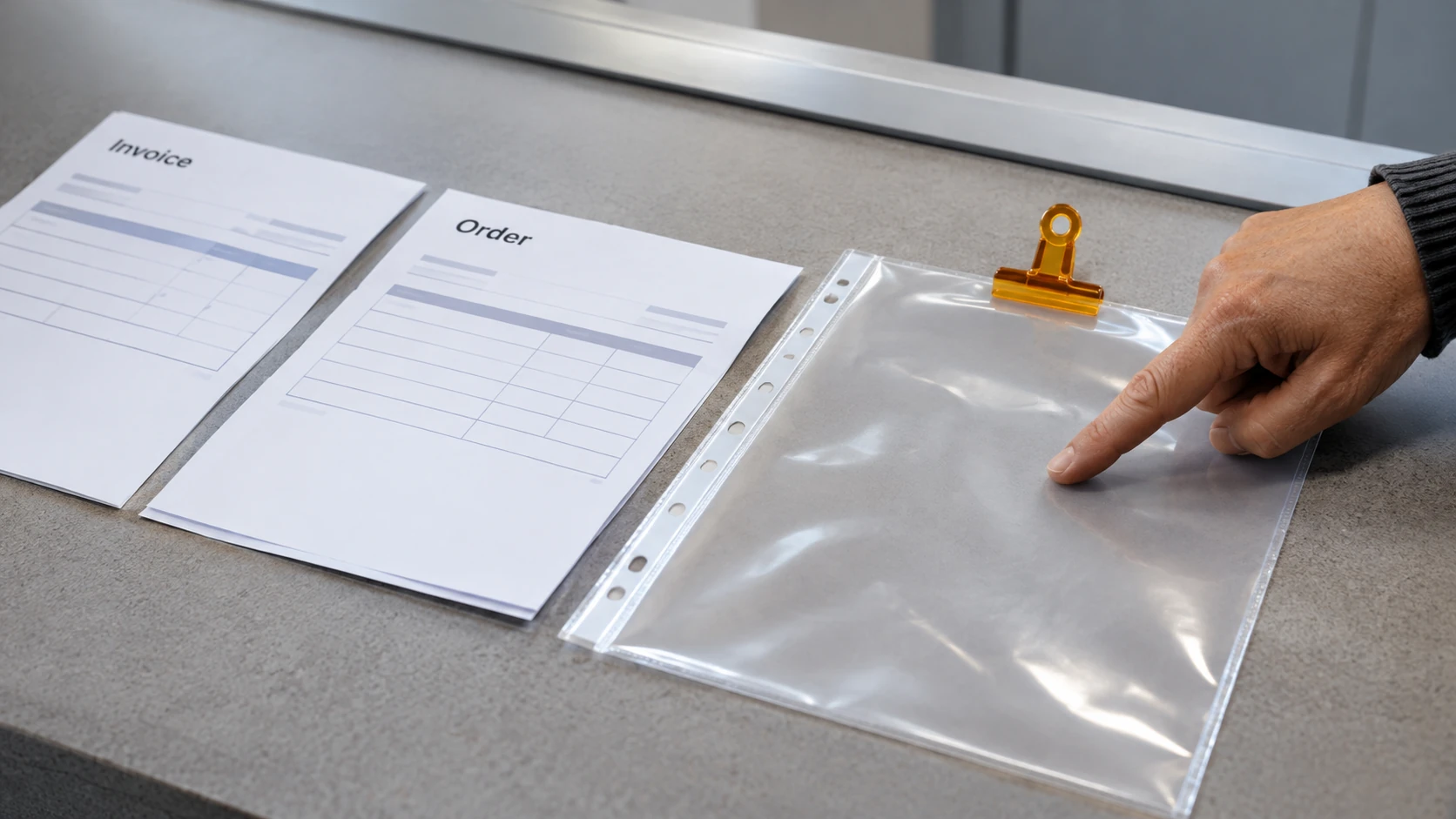



Document version control helps people distinguish the current approved record from drafts, working copies and superseded material. A good file name supports that process, but the name alone does not establish approval or prevent someone from using an old copy.
Agree a simple approach that suits the organisation’s approved systems. Avoid creating a second unofficial document library because a personal naming method seems easier.
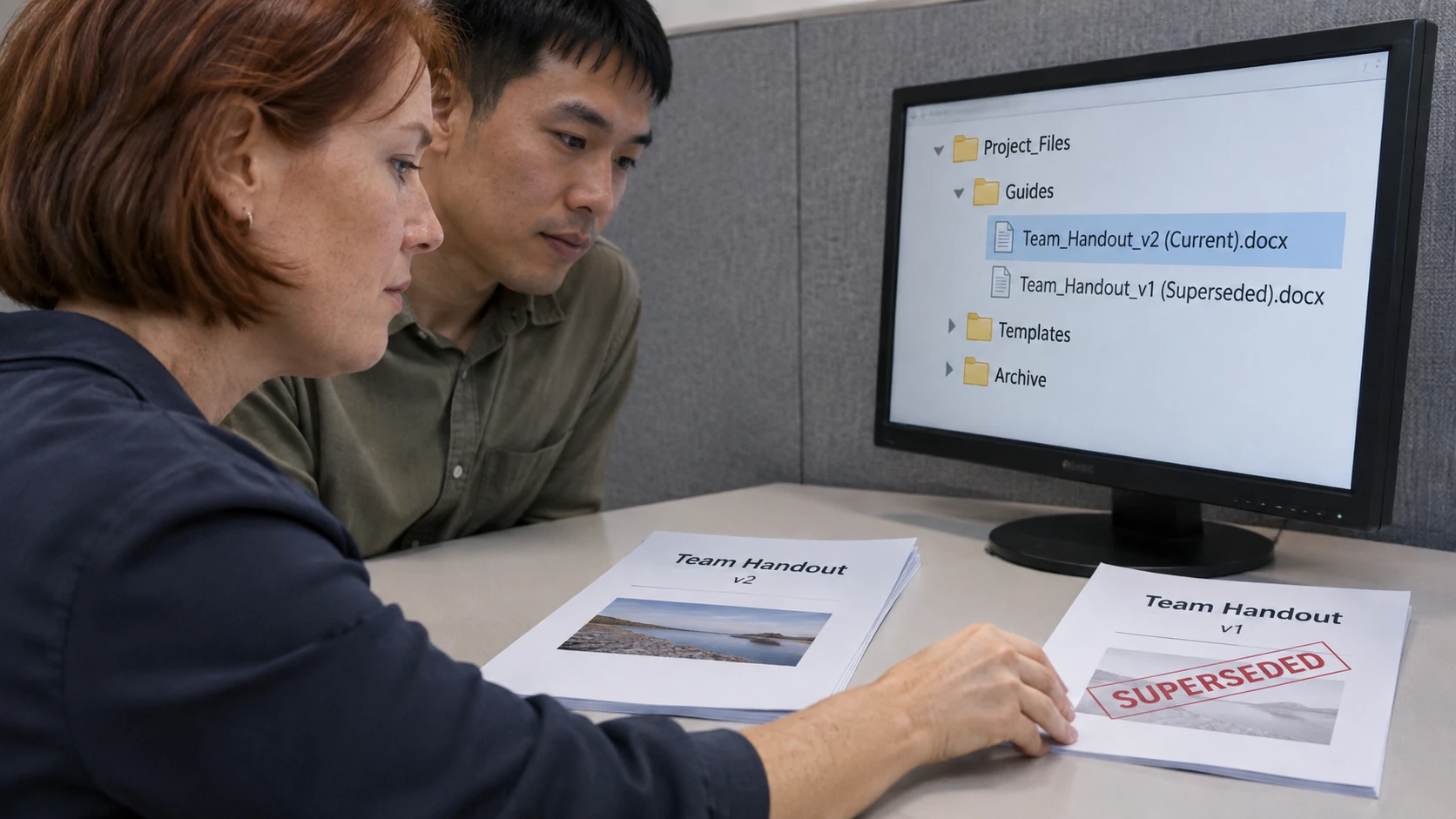
Decide what identifies the document
Use a stable subject or document identifier, a meaningful title and any version or date information needed. Distinguish the document’s status from its sequence number.
The Western Australian Government’s document naming guidance discusses meaningful names for documents in records systems and shared drives. It is guidance from that context, not a mandatory naming pattern for every workplace.
Check whether the approved system already manages versions and metadata. Duplicating that information inconsistently in file names can make records harder to understand rather than easier.
A fictional naming sequence
An invented office might use a controlled sequence such as:
- Booking-Instructions-v0.1-Draft: first working draft.
- Booking-Instructions-v0.2-Draft: revised draft awaiting review.
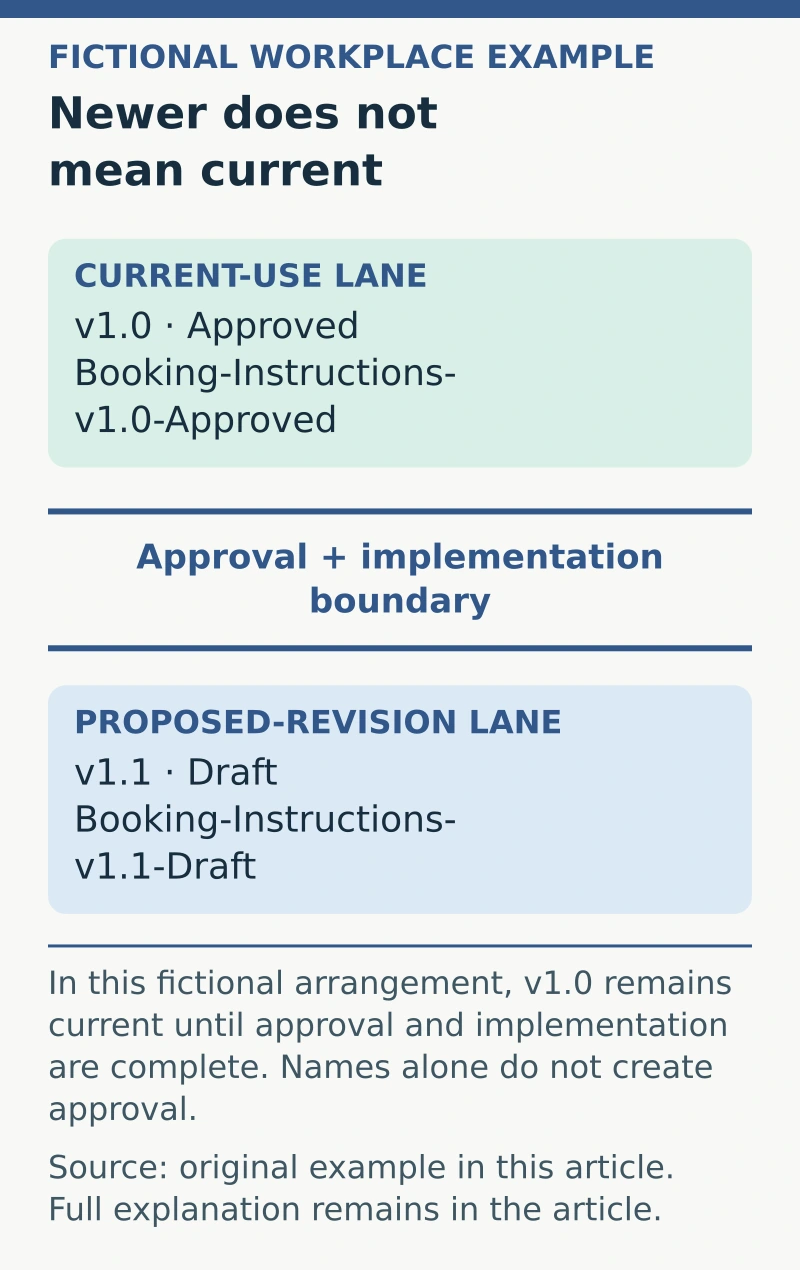
- Booking-Instructions-v1.0-Approved: version approved through the actual process.
- Booking-Instructions-v1.1-Draft: a proposed revision, not yet the current approved instruction.
These names are examples, not an official standard. The organisation must define what the numbers and statuses mean. Changing “Draft” to “Approved” in a file name does not create an approval.
Keep the approval evidence and effective date available through the approved record. Users should be able to identify the current instruction without interpreting a long email chain.
Separate working and published locations
Identify where drafts are edited and where staff obtain current approved material. Set access and publishing responsibility through the appropriate system owner.
When a revision is approved, update the current location and relevant links. Deal with superseded copies through the approved records process rather than deleting material that must be retained.
Avoid names such as “final-final-new” or “latest” with no controlled meaning. A later file-modified date can result from a minor technical change and is not reliable proof that the content is the current approved version.
Use a short change record
For a meaningful revision, record the version, change, reviewer or approver, approval date and effective status. Reference the decision or approval record where appropriate.
In the fictional example, version 1.1 might be a proposal to change cancellation instructions. Until approval and implementation are complete, version 1.0 remains current under the organisation’s arrangement.
If two conflicting files are both labelled approved, refer the conflict to the document owner. Do not choose whichever file is easiest to access and silently treat it as authoritative.
Check the user’s route to the current record
Test common links, shared folders and templates after an update. Check that staff know what changed and where to find the current material. Printed copies and downloaded attachments may need separate controls suited to the work.
Review the process when roles or systems change. Effective version control connects a recognisable document name with a trustworthy approval record and a clear current location. All three help prevent an old working copy from becoming an accidental instruction.
Document control is also a skill to discuss when exploring administration roles; use a real, permitted example of how you kept the current version clear.