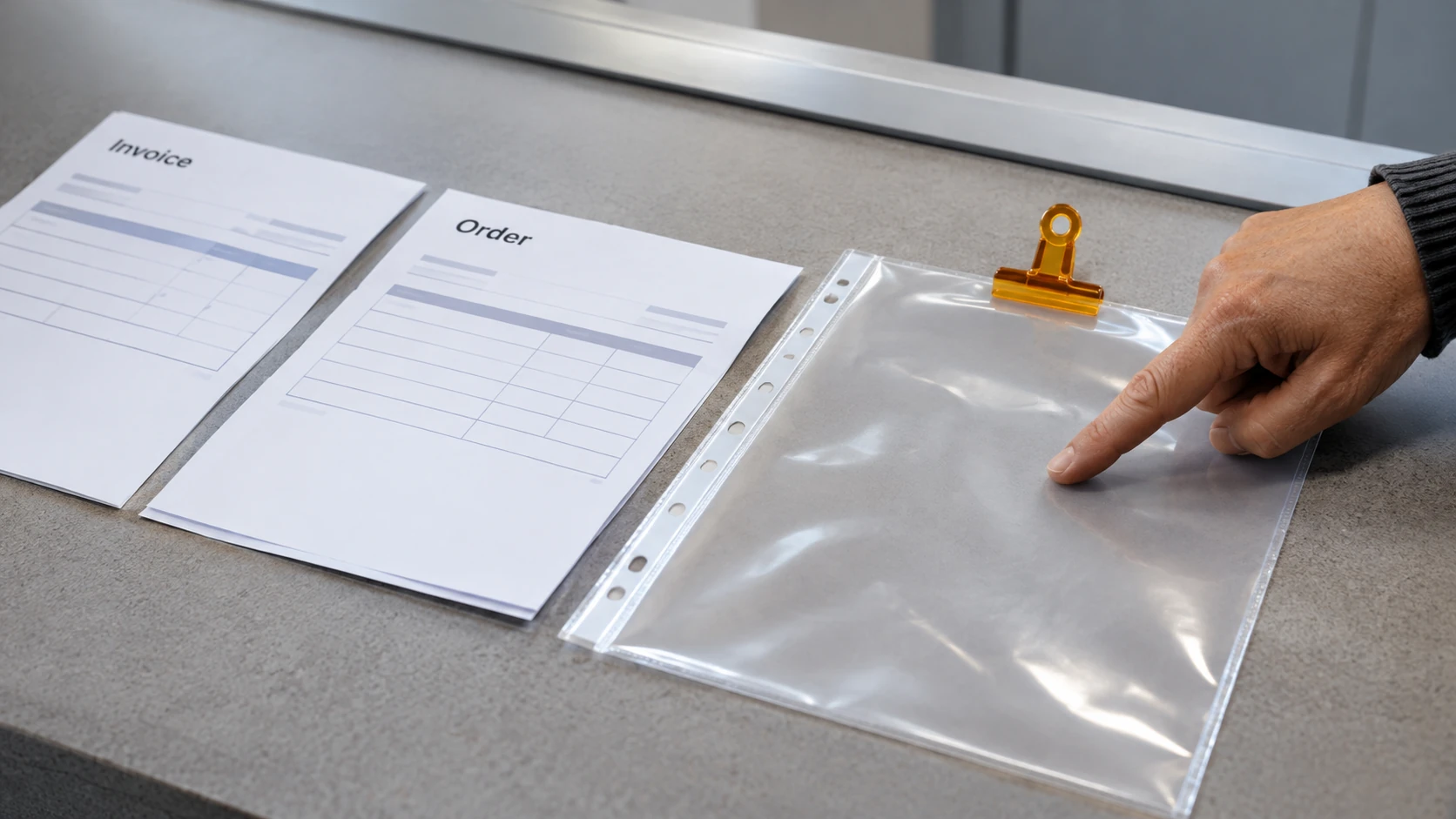



A shared workplace folder should give people the access needed for their work while protecting information they are not authorised to use. Begin with the folder’s purpose, owner and contents, then review actual permissions rather than relying on its name or location.
This guide is a planning and review method. Changes to access should be made through the authorised systems process, with care to avoid exposing information or interrupting legitimate work.
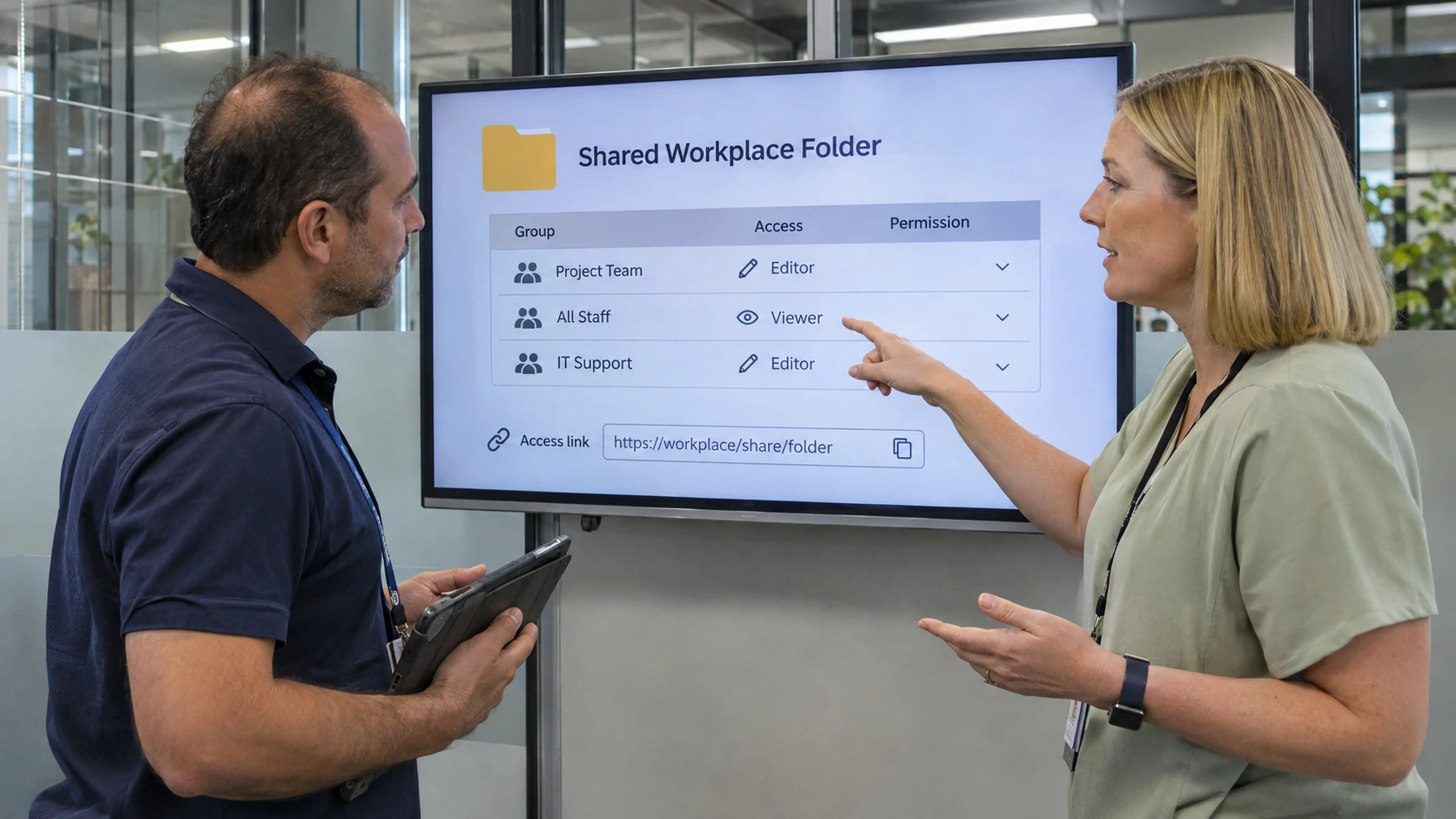
Identify the owner and access purpose
Record who is responsible for the information and who administers the system. Those roles may be held by different people. Ask which teams need to view, edit, approve or manage the material. Our IT roles guide provides context for distinguishing user-support work from system administration; confirm the actual access owner rather than assuming the person maintaining the folder can approve every permission change.
Check whether the folder contains information with different access needs. A general project folder may not be an appropriate place for recruitment records, identity documents or confidential commercial material.
The OAIC’s guide to securing personal information provides context for protecting personal information where applicable. Check the organisation’s privacy and security requirements rather than assuming a folder-level review resolves every obligation.
Review actual access, including links
Ask the authorised administrator to identify direct permissions, group membership and any relevant inherited or link-based access. A folder that appears restricted in one screen may still be available through another sharing arrangement.
Check external access and whether the link permits viewing or editing. Do not test access by sending restricted information to an unapproved personal account.
If the permission model is unclear, obtain help from the system owner. Guessing at a setting can create a new exposure or remove access needed for operational work.
Use a practical access-review record
Capture:
- Folder: approved location, purpose and information owner.
- Contents: relevant information categories and restrictions.
- Access: roles or groups requiring view, edit or administrative permission.
- Actual position: permissions checked by the authorised administrator.
- Exception: access that needs clarification, removal or approval.
- Decision: authorised change and person responsible.
- Verification: confirmation that intended access works after the change.
- Review trigger: staffing, project or information changes requiring another check.
Keep security-sensitive details in the appropriate restricted process. The review record itself should not become an open directory of confidential system locations.
A fictional role-change review
In this invented example, an employee moves from recruitment coordination to another team. The information owner asks the administrator to review their old recruitment-folder access and confirm what is still required.
The access decision is based on the new responsibilities and applicable requirements. The team checks group membership as well as direct permissions, rather than assuming removal of one visible entry completes the change.
The employee receives the access needed for the new role through the approved process. No one shares another person’s credentials as a shortcut.
Build reviews into staffing and project changes
Connect access checks with joiner, role-change and departure processes. Review temporary and external access when its purpose ends, following the organisation’s approved requirements.
After changes, verify both protection and usability: unauthorised access should be addressed, and the people doing the work should still be able to reach the correct material. A useful folder review leaves an accountable owner, a clear access decision and evidence that the intended arrangement was implemented.