


Digital skills become easier to practise when they are attached to a small work task. Instead of trying to learn every feature of a computer, practise receiving information, saving it where it belongs, making a useful change and returning the correct version.
Use invented information in a practice folder. Do not experiment with live customer records, payroll files or a shared workplace system without permission. This beginner sequence is a learning exercise, not evidence that someone is authorised to use an employer’s systems.

Start with a complete practice task
Imagine a fictional community workshop needs a simple equipment list. Create a practice folder and a document containing three invented items. Give the file a recognisable name, save it, close it and find it again without relying on the recent-files screen.
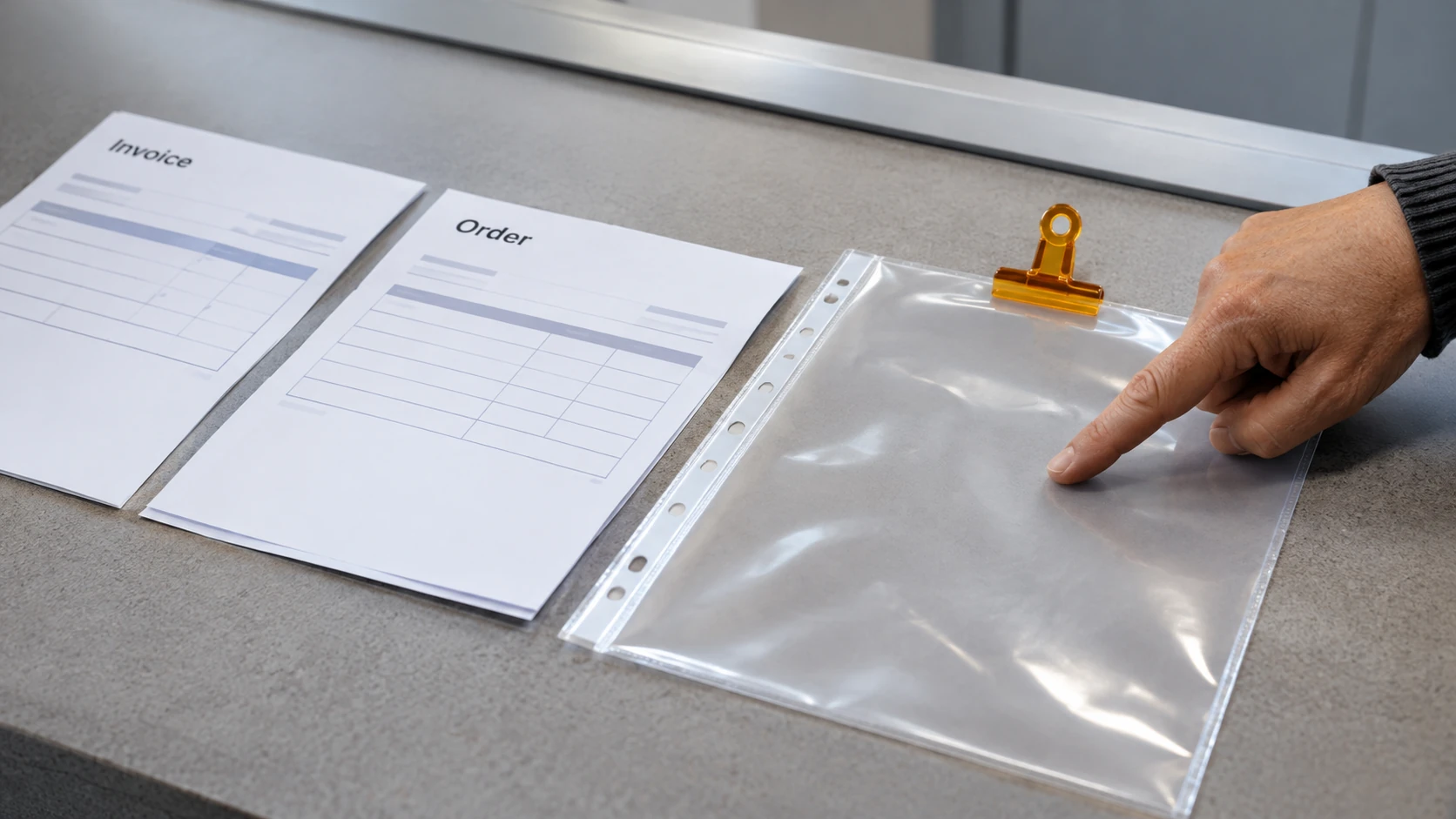
Add a clear heading and check the saved location. Make a second version after changing one item. Explain which file is current and why. If two files look equally current, change the naming approach before adding more work.
The aim is to complete an understandable task. Attractive formatting cannot compensate for losing the document or sending the wrong version.
Practise an email and attachment check
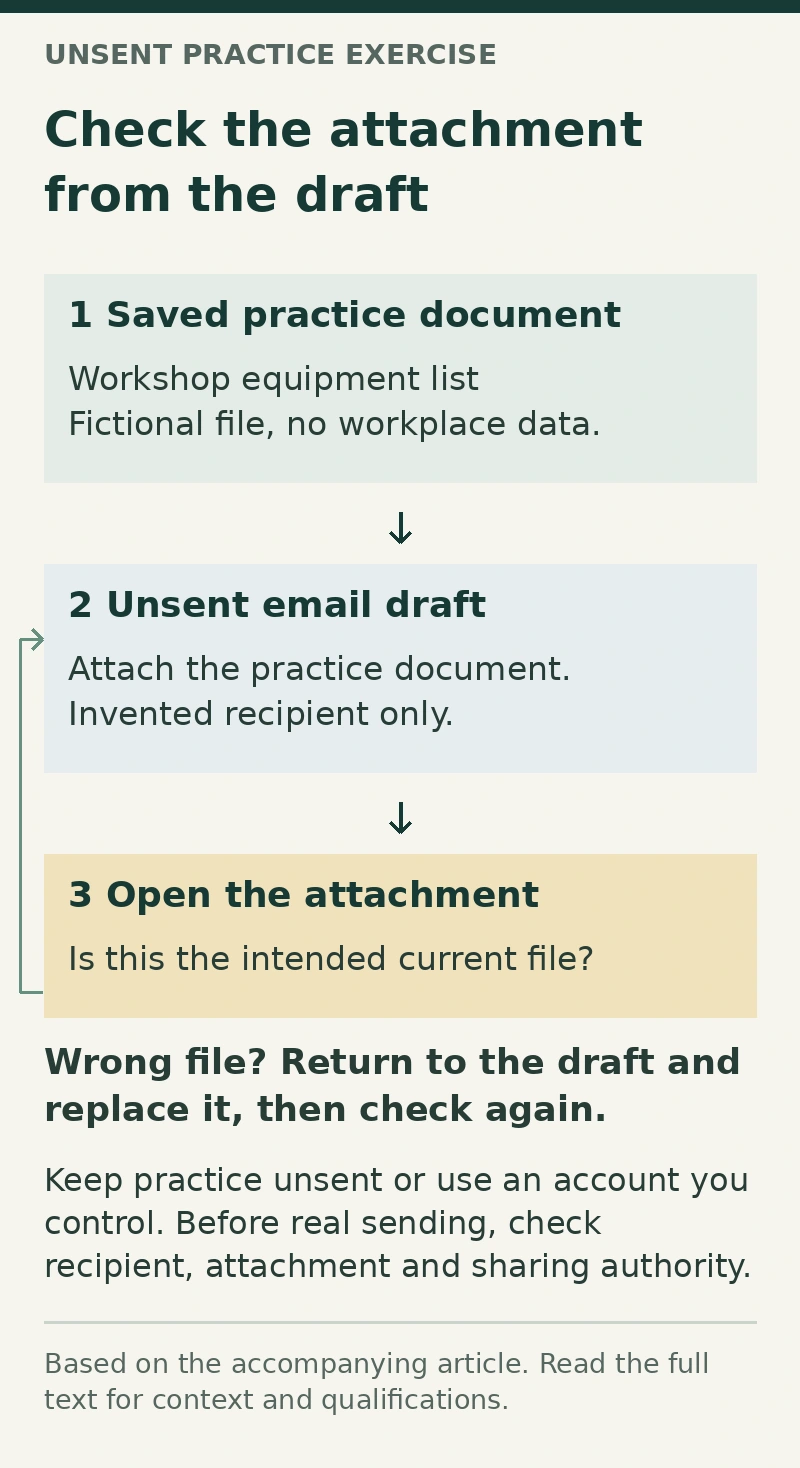
Write a draft message to an invented recipient. Use a subject that describes the task, a short explanation and one requested action. Attach the practice document, then open the attachment from the draft to check that it is the intended file.
Before sending any real work email, check the actual recipient, attachment and information you are authorised to share. In the practice exercise, keep the message unsent or send it only to an account you control.
Try correcting a deliberately wrong attachment. This tests whether you can identify and recover from a small mistake rather than simply repeat a memorised sequence.
Understand what sharing changes
If you have a suitable personal practice account, explore the difference between attaching a copy and sharing access to a document. Check who can view or edit the practice file. Ask a tutor for help if the permission screen is unclear.
Do not assume a link is private because it is difficult to guess. At work, use the employer’s approved sharing method and ask before changing access permissions. A personal practice account should not become an unofficial storage location for workplace information.
Keep a practical learning record
For each exercise, record:
- Task: the result you were trying to produce.
- Starting point: what you could do without help.
- Difficult step: where you became unsure.
- Support: the explanation or demonstration that helped.
- Repeat: whether you completed the task again independently.
- Next practice: one specific step to revisit.
For example, a fictional learner might record, “I saved the equipment list but could not find it after closing the application. I practised navigating to the folder and found the current version twice.” That is more informative than a general claim of being good with computers.
Find support suited to your starting point
The Australian Government’s Skills for Education and Employment program includes basic computer skills training for eligible participants. Check current eligibility and delivery arrangements with a provider rather than assuming this practice guide establishes access.
Ask for instruction around the tasks you actually need: files, email, forms or shared documents. Gradually reduce prompts, repeat the task and explain your checking method. The useful outcome is a task you can complete and check reliably, with a clear point at which to ask for help.
To connect these exercises with a possible career direction, explore administration roles in Brisbane and compare the actual tasks each employer describes.