




When a work email seems suspicious, avoid acting on its links, attachments or instructions and use the organisation’s approved reporting process. Provide the relevant facts without spreading the message or trying to investigate the sender yourself.
A suspicious feature is a reason to check, not proof of a particular attack. Keep uncertainty visible while the authorised responder assesses the message.
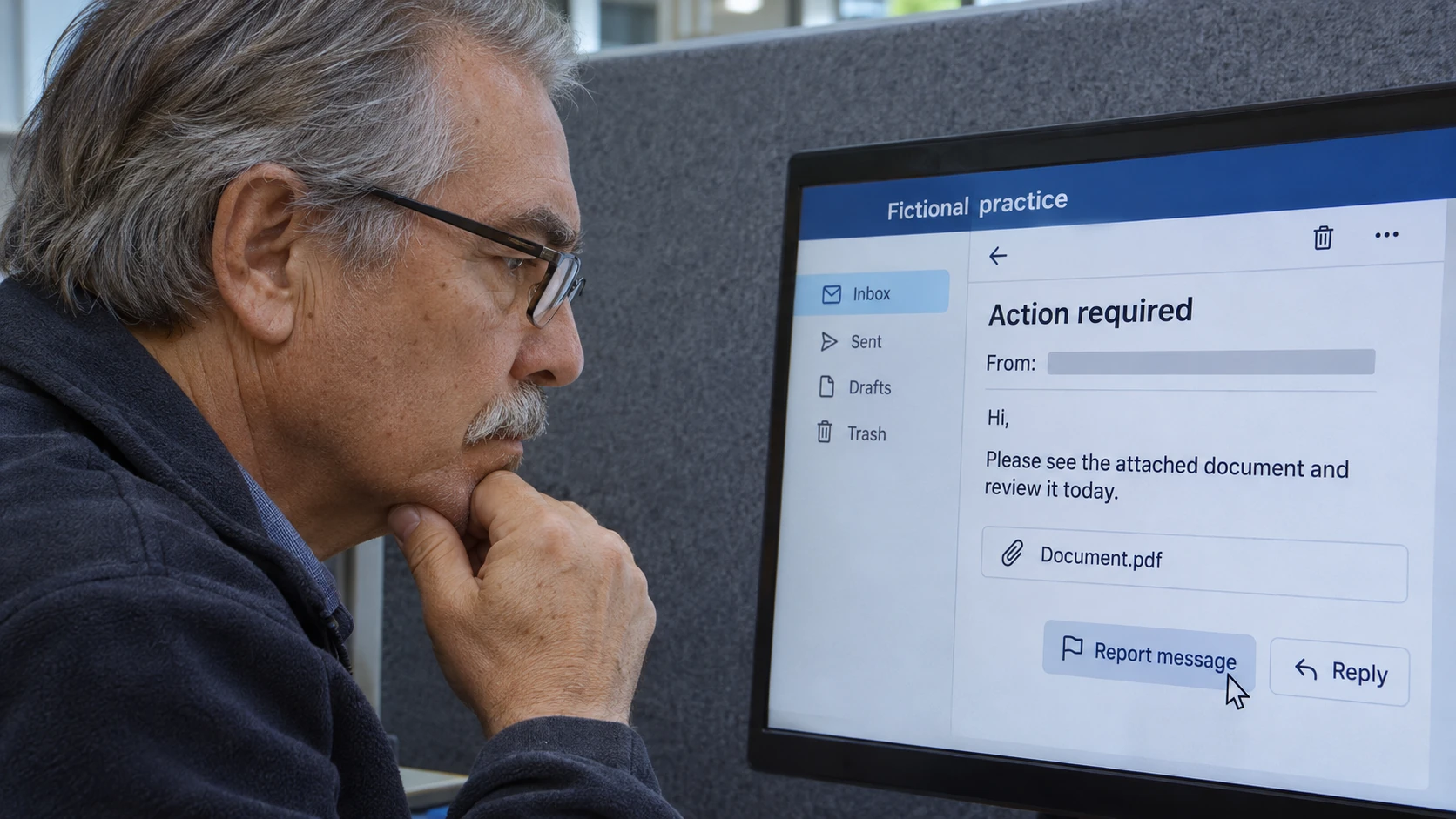
Pause the requested action
An unexpected invoice, sign-in request or urgent instruction can deserve verification even when the display name looks familiar. Do not use the message’s own contact details as the only way to confirm it.
Australian cyber-security guidance on spotting scams discusses deceptive messages and checking before opening links or attachments. Its cybercrime assistance guidance also identifies reporting to the appropriate service and workplace IT contact.
Follow the actual security process for your organisation. Do not reply with sensitive information, approve an unexpected authentication request or install software because the email says support needs it.
Use the approved reporting method
Check whether the workplace provides a reporting button, helpdesk route or another designated channel. Follow its instructions for preserving the message and evidence. For IT-support applicants, the reporting discipline here is relevant to the roles in our IT jobs guide; explain how you preserved facts and followed escalation rules rather than claiming an unverified diagnosis.
Do not forward the email widely with “is this a scam?” or open an attachment to obtain more detail for the report. The authorised team can explain what information it needs and how to provide it safely.
If you have already clicked, entered information or taken another action, report that promptly and accurately. Do not conceal it or delete evidence in an attempt to undo the event.
A report structure
Provide through the approved process:
- Message: subject or appropriate reference and time received.
- Claim: who it appears to be from and what it asks you to do.
- Concern: the specific unexpected or inconsistent feature.
- Action: whether you opened, clicked, replied or supplied information.
- Account or device: relevant work identifier requested by the responder.
- Evidence: the preserved message location or approved report reference.
- Follow-up: contact and immediate instructions received.
Keep unrelated personal information out of the report. State facts rather than speculating about the attacker’s identity or motives.
A fictional payment-message example
In this invented scenario, an employee receives an email appearing to come from a supplier, requesting a payment-account change and secrecy about the update. The employee pauses the action and reports it through the designated route.
They do not alter payment details or call the number supplied in the email as their only verification. The responsible team checks the message and the payment request through the approved independent process.
No actual supplier or incident is described in this example.
Follow instructions and improve the process
Carry out authorised protective steps and keep the response team informed of new relevant messages or actions. Do not run your own technical probe, contact suspected attackers or make public accusations.
After the incident, use approved staff guidance to recognise the relevant pattern. Effective reporting is prompt, factual and routed to the right team, giving responders useful evidence while preventing an uncertain email from becoming an unauthorised business action.