


A document controller helps a project team identify the correct records, manage reviews and preserve the history of information issued between parties. Assess a vacancy by its document workflow and responsibilities, not simply by whether you have used a shared folder.
The role can involve metadata, registers, transmittals, review status and distribution. The actual project determines its requirements, systems and authority for releasing information.
Understand the controlled information flow
Check how documents enter the register, who reviews them, which status permits a particular use and how an issue is communicated. A newer revision is not automatically approved for construction or another purpose.
Oracle’s Aconex document-registration guidance describes metadata such as title, revision and status. Its transmittal guidance illustrates controlled document distribution within that product. These are examples of a system workflow, not a recommendation or a claim that every employer uses Aconex.
Read the actual vacancy for required software experience and how transferable records skills will be assessed.
Keep identity, revision and status distinct
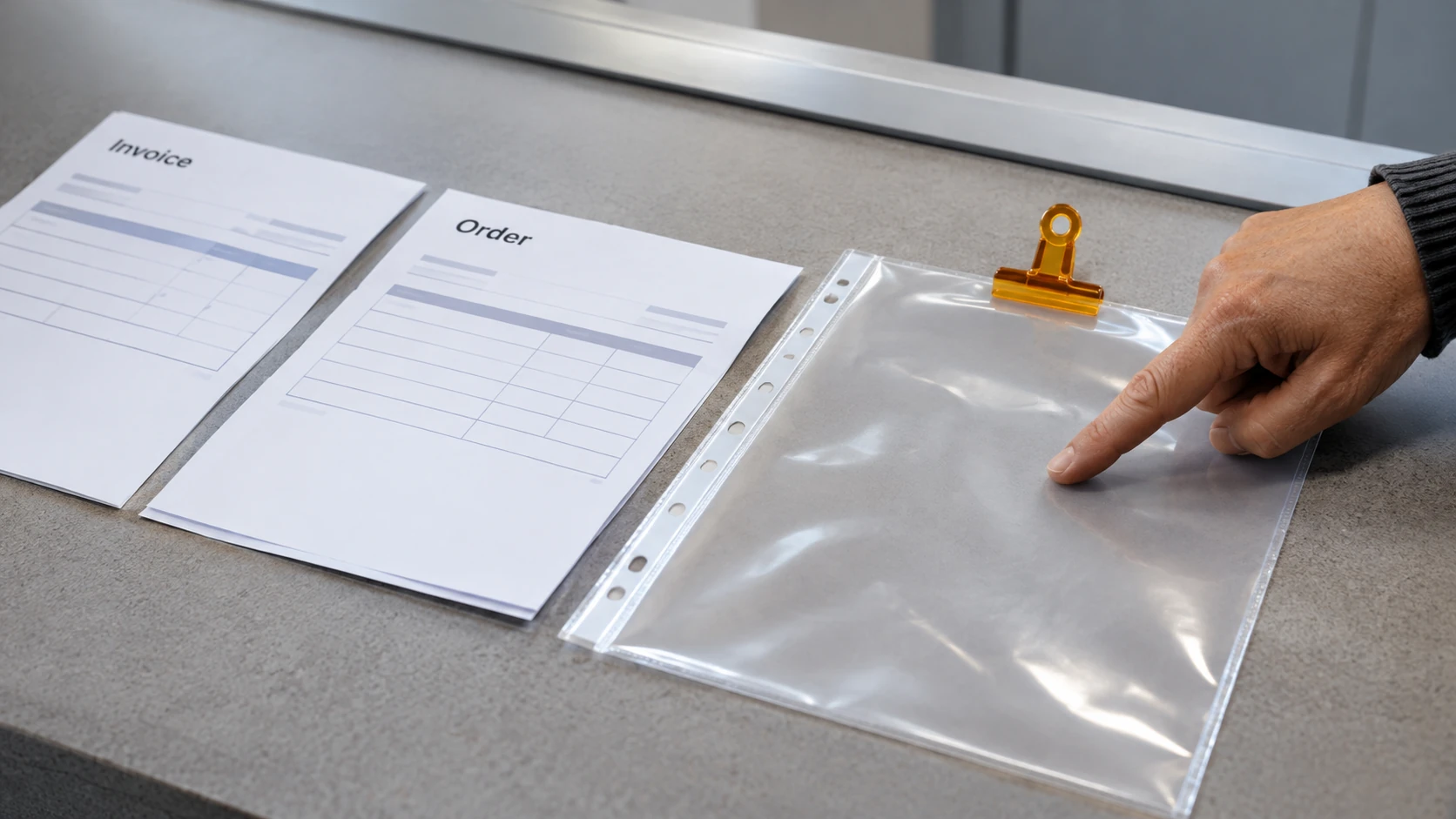
A document identifier says which document it is. Revision distinguishes its issue history. Status indicates its position or permitted use under the project’s defined process.
The controller needs to apply the actual conventions and refer unclear or inconsistent information. Renaming a file should not create a design approval or conceal a missing review.
Check how superseded records, external submissions and audit evidence are handled. Personal preferences for folder names do not replace the project’s controlled process.
A fictional review exercise
In this invented example, a drawing labelled D101 arrives as Revision C with an “issued for comment” status. A colleague asks whether it replaces the current approved instruction.
A useful practice response checks the register, defined status and relevant review or release decision. It identifies what is known and refers the permitted-use question to the authorised person where necessary.
It does not mark the drawing approved because C follows B alphabetically or because the new file arrived most recently. The example makes no technical judgment about the drawing’s content.
Build a document-control evidence record
For an appropriate example, explain:
- Workflow: intake, review and distribution stages you supported.
- Metadata: identifiers, revisions and statuses you checked.
- Traceability: how source, review and issue references connected.
- Exception: a mismatch or missing decision you identified.
- Action: your role in resolving or referring it.
- Authority: the person responsible for approval or release.
- Outcome: supported result and records you may share.
Use fictional or authorised material for a portfolio. Do not expose client drawings, security information or commercial records to demonstrate software familiarity.
Ask about the project’s controls
Clarify document volumes, parties involved, review expectations, training and escalation support. Ask who owns naming conventions and who can change access or issue status.
Prepare to explain a workflow and its checks, not only a screen sequence. A strong document-controller application shows that you can keep information identifiable, traceable and correctly routed while preserving the difference between administering a review and making the professional decision it requires.
The existing administration roles guide provides broader office-work context; a document-control vacancy needs its own project-specific evidence.