



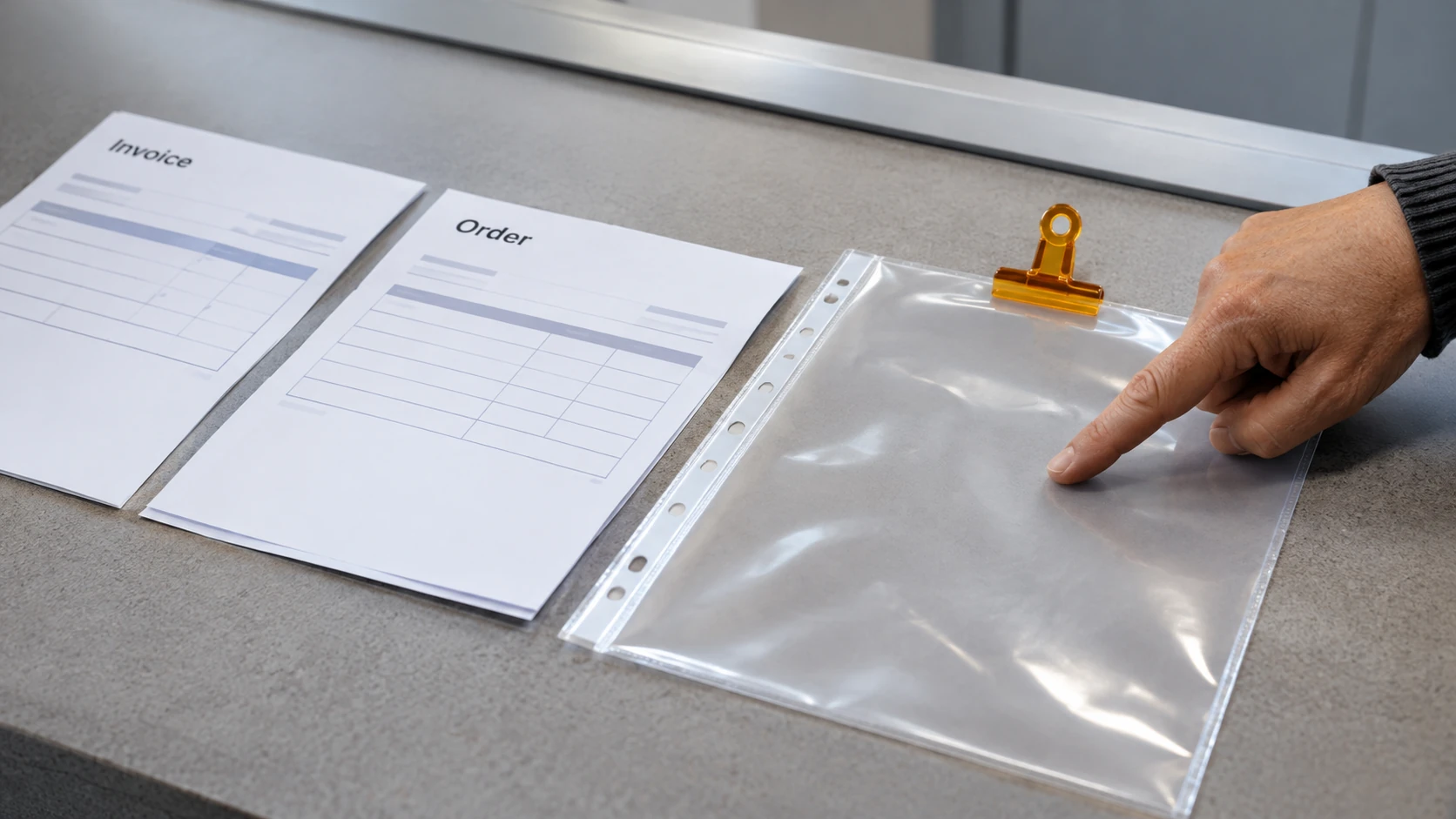
An approved remote-work setup should let a person perform their role with appropriate access, privacy and support. Confirm the actual workplace arrangement before using a personal device, new software or an unfamiliar connection for work information.
This guide supports a review with the responsible people. It does not establish that a particular home workspace, network or device is authorised or safe for every task.
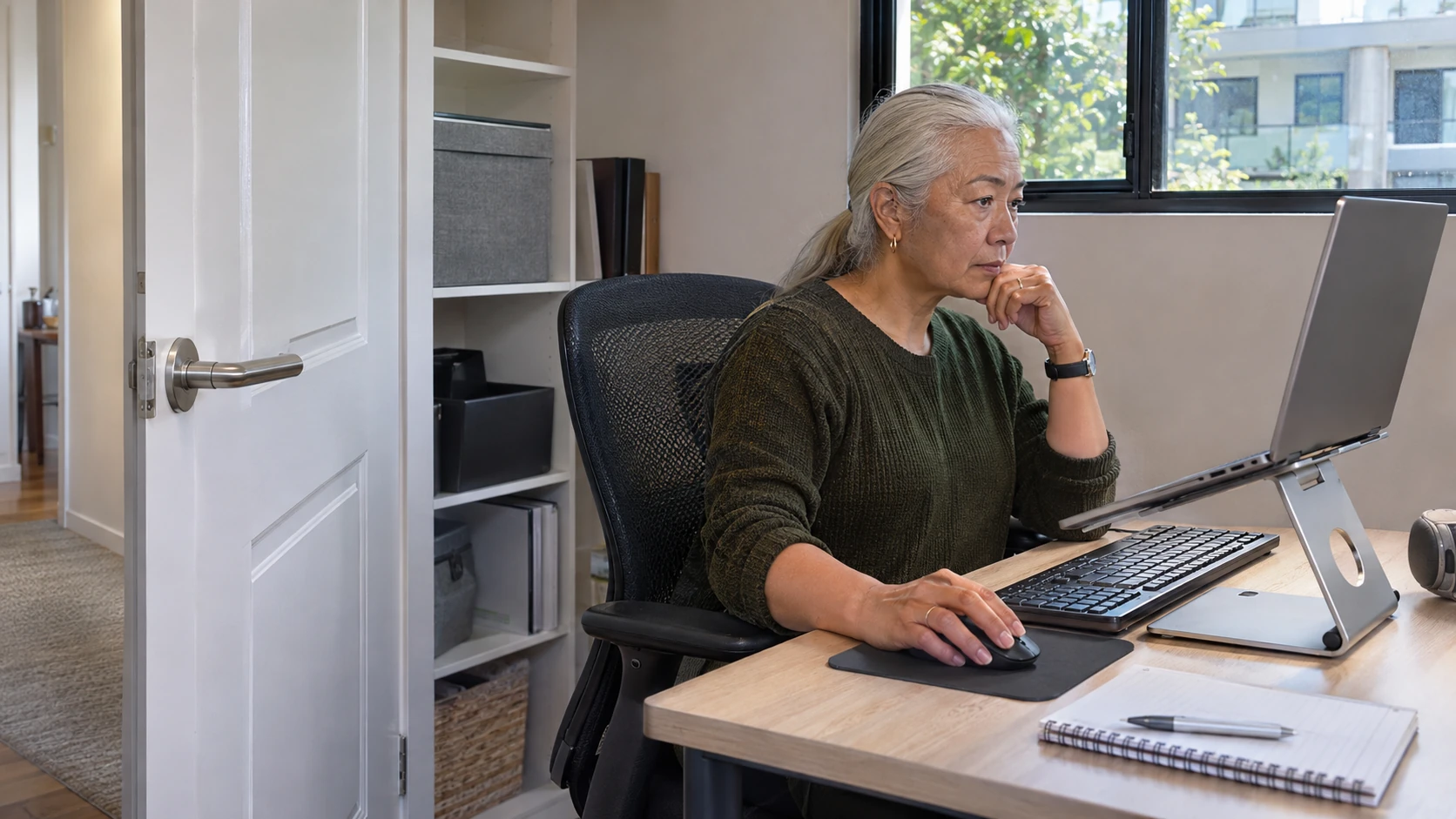
Confirm the permitted work and systems
Ask which activities may be performed remotely, which devices and accounts must be used and how support is obtained. Identify any work requiring a different location or controlled process. For a remote IT role, compare the duties in our IT jobs guide with the actual access and support arrangements offered; working remotely does not itself authorise system-administration privileges.
Australian cyber-security guidance on remote working security discusses protections relevant to business systems. Use the employer’s actual security requirements rather than buying or installing an unapproved tool as a substitute.
Check how updates, authentication and access are managed. A device that can open a file is not necessarily approved to store or process it.
Use a remote-setup review
Confirm:
- Work scope: permitted tasks and information restrictions.
- Device: approved equipment, management and support contact.
- Access: legitimate accounts and required connection method.
- Authentication: approved sign-in and recovery arrangements.
- Privacy: how screens, calls and documents are protected from unintended access.
- Storage: approved location for work and any permitted offline copy.
- Incidents: route for suspicious messages, loss or access problems.
- Review: changes that require another check or approval.
Do not record passwords or recovery codes in the review sheet. Keep sensitive setup details in the appropriate restricted process.
A fictional workspace question
In this invented example, an employee plans to handle routine administration remotely. They realise a shared household computer is not covered by the workplace arrangement and ask the designated contact before using it.
The employee also checks how private calls and printed documents will be handled. The manager and relevant specialists address the work and security questions through the actual process rather than treating a successful video call as approval of the whole setup.
No particular device, service or remote-work entitlement is established by this example.
Plan communication and availability separately
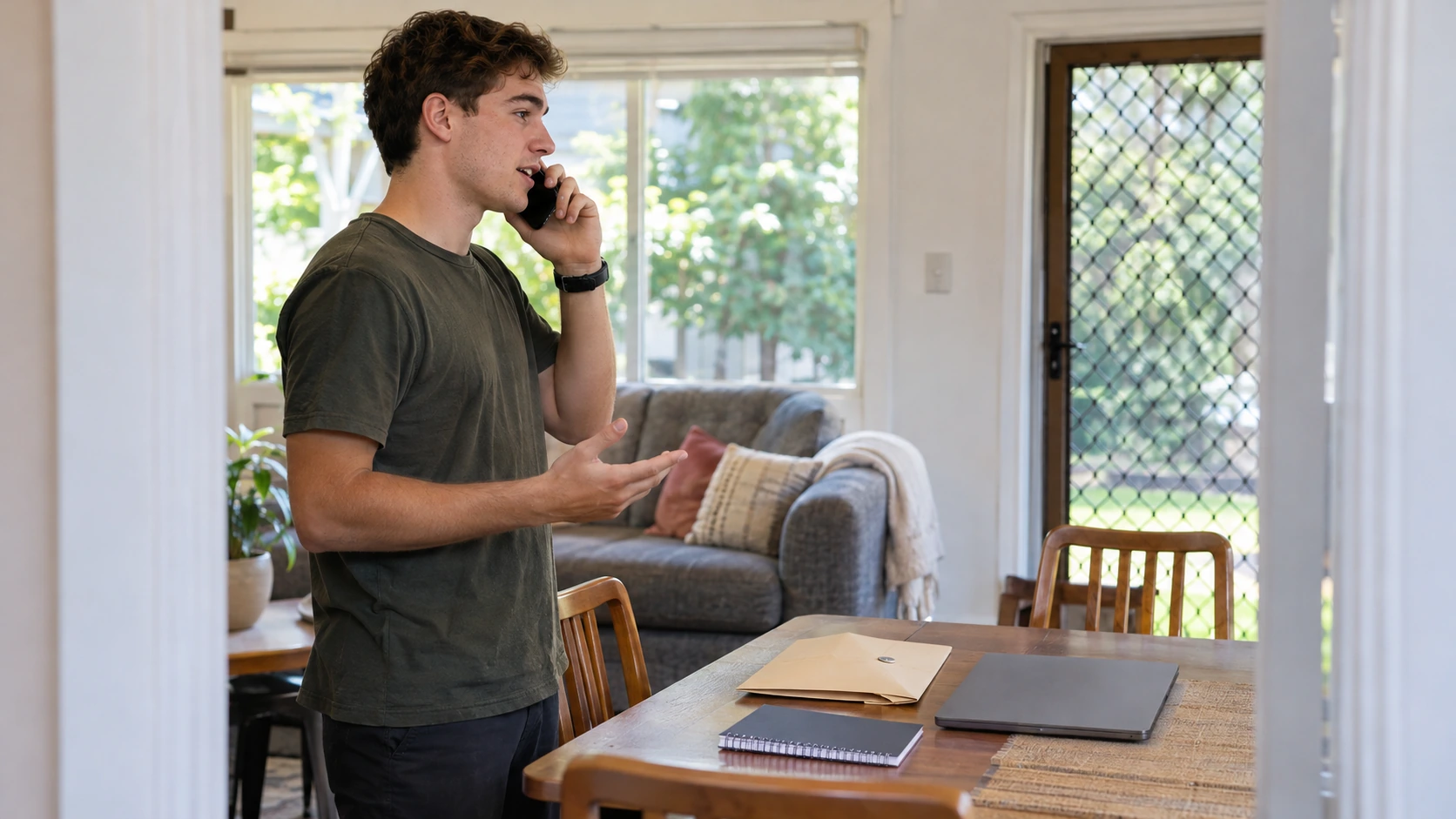
Agree how work priorities, progress and urgent issues will be communicated. Distinguish routine contact expectations from the actual hours and employment arrangements that apply.
If access fails, use the approved support route and tell the relevant work contact about the effect on tasks. Do not bypass controls by sending files to a personal email account or using another person’s credentials.
Consider how an authorised alternative arrangement would be confirmed if the usual workspace or connection becomes unavailable. A proposed backup is useful only when its access and work conditions have been checked.
Review changes to the arrangement
Check again when duties, devices, locations or information sensitivity change. Report a suspected exposure or incident promptly rather than waiting for a routine setup review.
Connect the security check with the employer’s other relevant remote-work and safety processes, obtaining appropriate advice where needed. A useful setup record shows what is actually permitted, how the person obtains support and which questions remain unresolved, giving both the worker and organisation a reliable basis for remote work.