


Duplicate-record review begins by defining what makes two records duplicates. Similar names or identical amounts may be legitimate, while repeated identifiers can indicate either an error or a data structure that needs clarification.
Preserve the source and use an authorised reversible process before removing anything. A cleanup decision can affect reporting, history and other records that depend on the data.
Define the record and duplicate key
Ask what one row represents: a person, request, transaction, item or event. Identify which field or combination should distinguish it.
Microsoft’s duplicate-review guidance explains reviewing duplicates and warns that removal deletes data. Use the current documentation for the actual application, with a recoverable source and appropriate approval.
Do not assume a tool’s default selected columns match the business definition. The result depends on the comparison fields and how values are represented.
A fictional review set
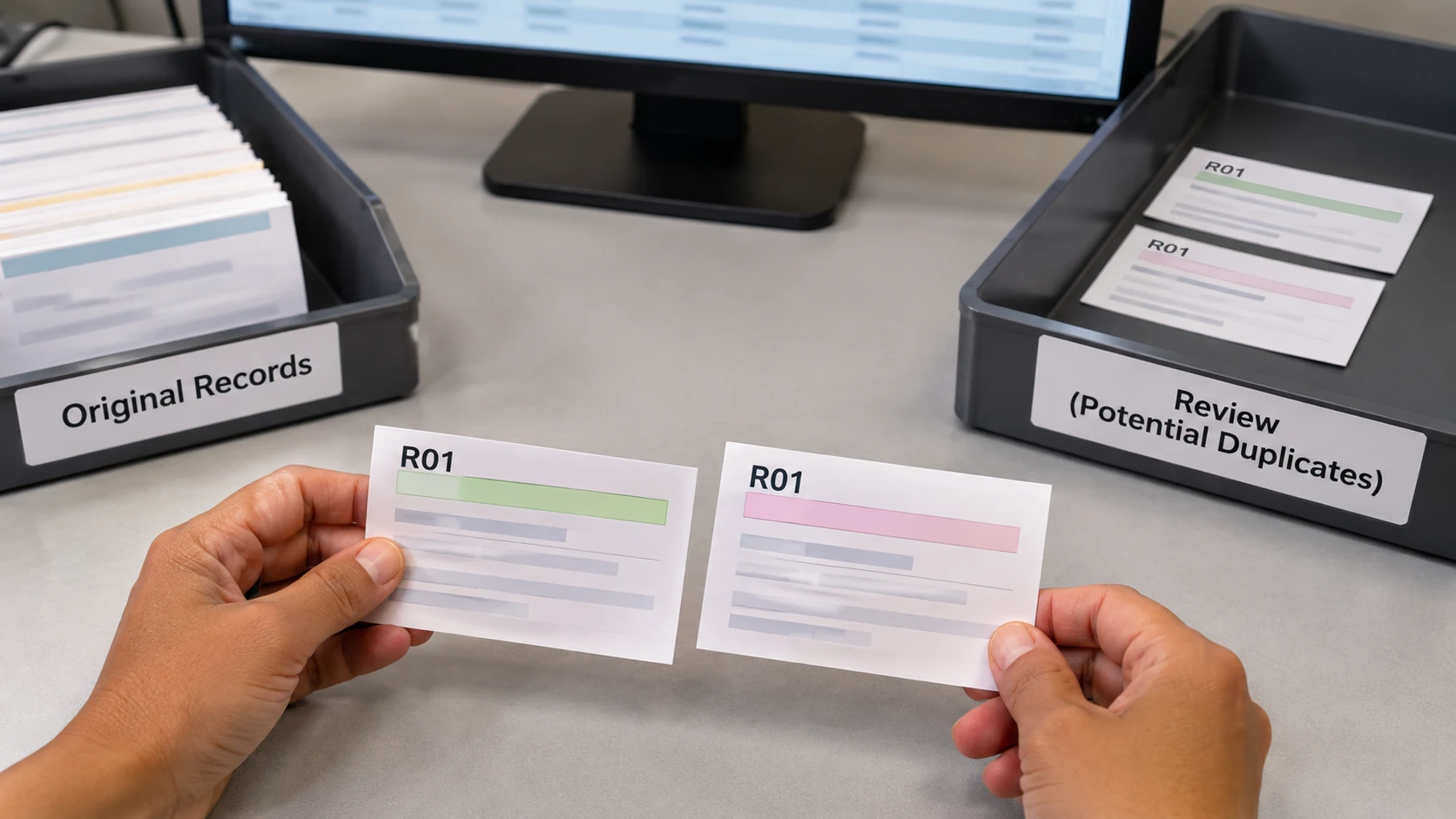
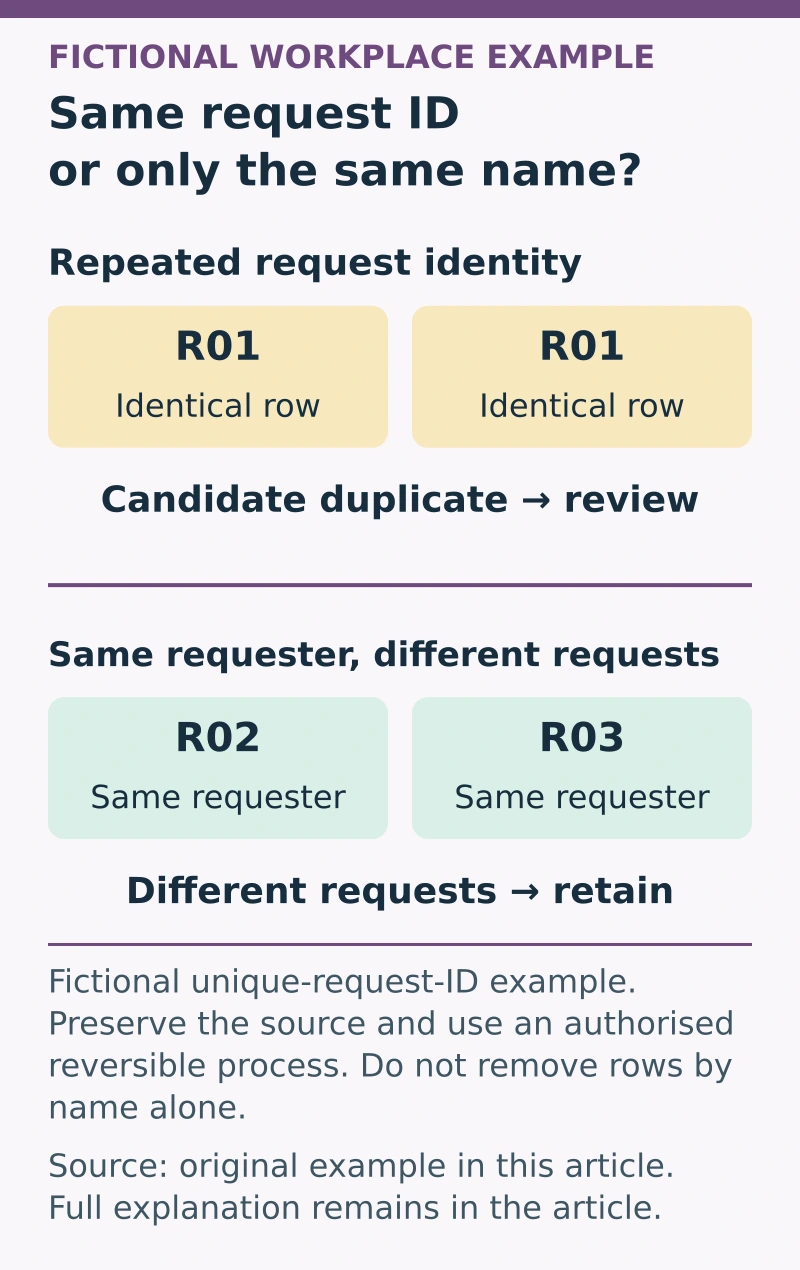
Suppose an invented file contains two identical rows for request R01, one row for R02 and another for R03. R02 and R03 share the same requester name but represent different requests.
The two R01 rows are candidates for review under a unique-request-ID rule. The shared name on R02 and R03 is not enough to remove either record.
If the R01 rows have different dates or quantities, do not choose one automatically. Check the source and whether the file is meant to contain revisions or multiple line items.
Use a duplicate-review record
Capture:
- Dataset: approved source, version and recoverable copy.
- Row meaning: the entity or event represented.
- Key: fields used to identify a possible duplicate.
- Candidate: matching records and relevant differences.
- Evidence: source check and explanation.
- Decision: keep, merge, correct or remove under authorised rules.
- History: retained evidence and affected references to review.
- Verification: record counts and results after the approved action.
Keep personal information restricted and use appropriate identifiers in the review record rather than repeating a complete private dataset.
Investigate before deciding
Check whether spaces, case, formats or significant leading zeros affect matching. Normalisation itself needs a defined method; changing identifiers indiscriminately can create false matches. This review can demonstrate the records judgement relevant to administration roles: explain why two similar entries represent the same transaction or different events before proposing any removal.
Consider whether repeated rows arose from an import, a legitimate status history or another source structure. A duplicate-looking output may reflect a join or reporting problem rather than duplicated source transactions.
Refer uncertainty to the data owner. Do not delete the record that looks older without checking whether it is the one required for history or another process.
Verify the authorised cleanup
After action, compare the expected and actual record counts, retained identifiers and relevant totals. Check dependent formulas, summaries or linked processes where appropriate.
Record the decision basis and how to recover if a problem is found. Where the source process caused repeated duplication, assign an improvement rather than relying on repeated manual deletion.
A useful duplicate review protects the meaning of the records. It leaves enough evidence to explain why rows were treated as duplicates and what happened to the information, rather than presenting a smaller file as proof that the data is now correct.