


A workplace password manager should help authorised users maintain unique account credentials through an approved system. Before setting it up, confirm the organisation’s chosen arrangement, account ownership and support process.
This guide is a preparation checklist, not a product recommendation or permission to move work credentials into a personal vault. Follow the employer’s actual security requirements.
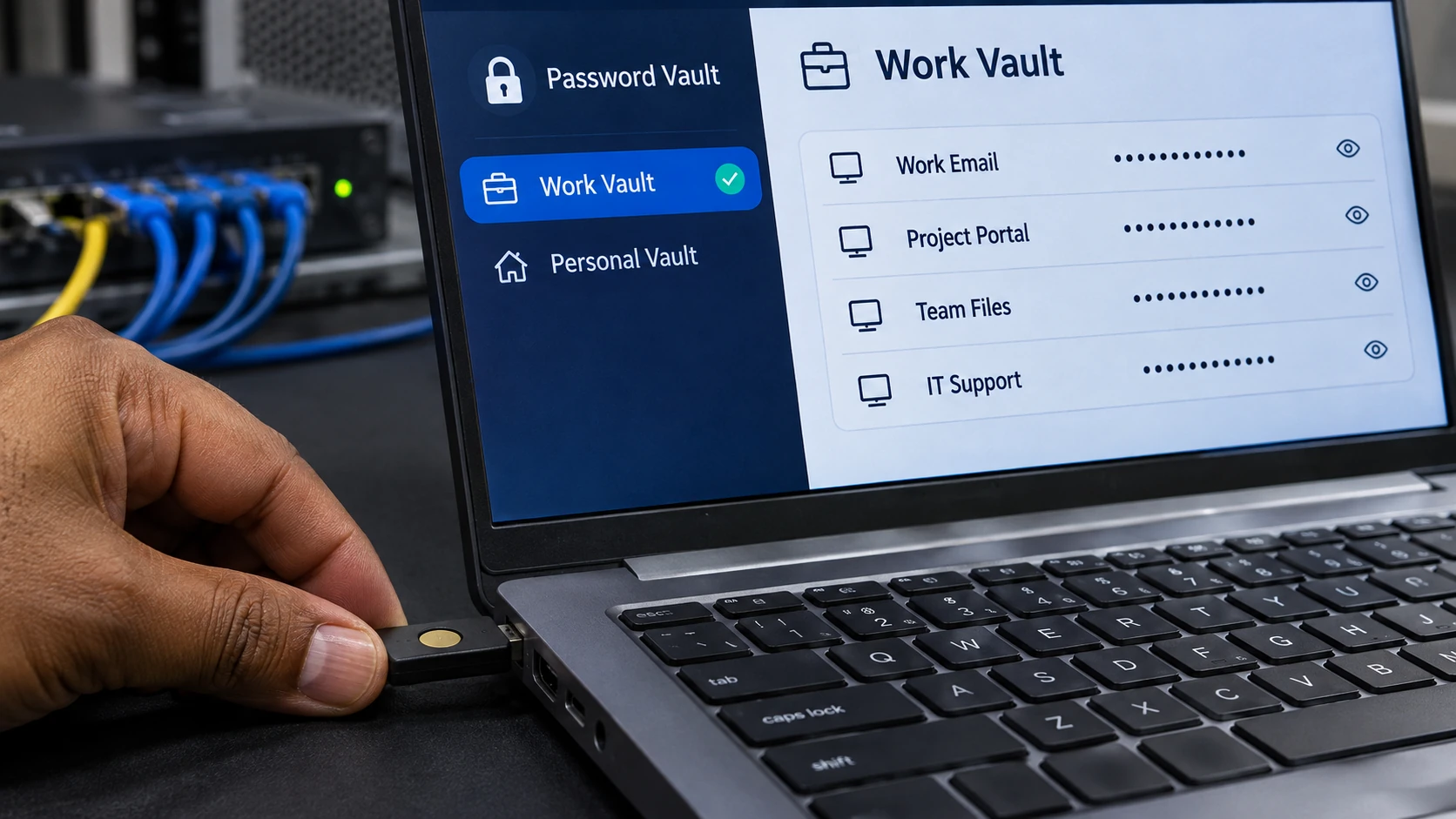
Confirm the approved account and vault
Ask which system and business account to use, who administers access and how the arrangement separates work and personal information. Check that the service and application are genuine through the approved setup route. For someone entering a technical-support role, our IT jobs and skills guide provides career context for account-support responsibilities; the employer’s actual policy determines which credential tasks you may perform.
Australian cyber-security guidance on securing accounts and identities discusses password managers, strong passwords, multi-factor authentication and access controls. The appropriate implementation depends on the actual organisation and accounts.
Do not import an existing list of workplace credentials without authority. Some accounts or shared administrative arrangements may need a specific process rather than an individual employee’s preferred method.
Prepare a setup-check record
Confirm:
- Approval: the permitted password manager and account arrangement.
- Ownership: who administers work access and account changes.
- Protection: required sign-in security and multi-factor authentication.
- Recovery: approved support and recovery arrangements.
- Use: how credentials are created, updated and accessed for legitimate work.
- Sharing: any authorised system feature and access limits, where applicable.
- Departure: how access is reviewed when a role or employment changes.
Record completion or an outstanding question without writing passwords, recovery secrets or authentication codes into the checklist.
A fictional new-account example
In this invented office scenario, an employee needs an approved individual work account for their role. They use the organisation’s legitimate setup process and password manager, following the required credential and sign-in settings.
They confirm the correct service address before using the saved login. They do not place the credential in a shared spreadsheet or send it to a colleague who needs their own access.
If the account cannot be added through the approved method, they ask the designated support contact. The exercise does not assume that storing a password automatically makes the account or device secure.
Understand shared access and changes
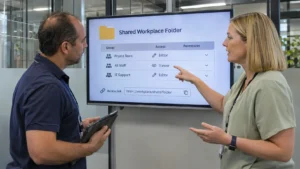
If several people need a business service, ask the system owner how access should be granted. Individual accounts or another approved arrangement may be appropriate; do not assume everyone should know one person’s credentials.
When a password or role changes, follow the approved update process. Check that old access is addressed where required and that saved information remains associated with the correct service.
Be cautious with unexpected prompts or requests to disclose a vault password, recovery secret or authentication code. Use the organisation’s verified support route rather than a contact supplied in a suspicious message.
Check recovery before a problem occurs
Know how to reach legitimate support if a device is unavailable or access fails. Keep recovery material only in the approved secure arrangement, with the appropriate ownership and access controls.
Review the setup when duties or systems change. A useful password-manager arrangement supports authorised work, unique credentials and controlled recovery without turning convenience into informal password sharing or dependence on a single employee’s personal account.